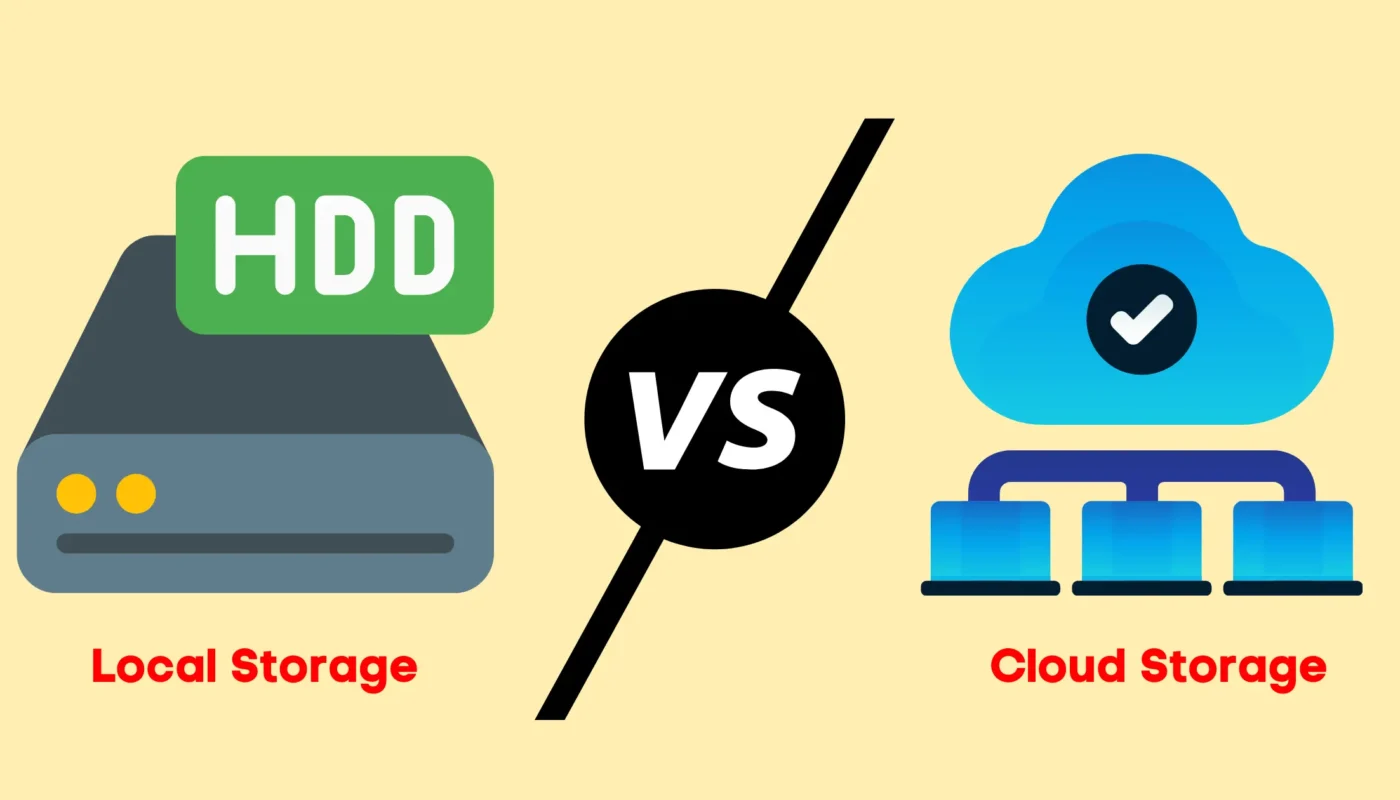
When it comes to storing data, most people typically choose between cloud storage and local storage. While both options are popular, they work in very different ways. So instead of using technical language, let’s understand this simply and practically.
Disclaimer: This article is for educational purposes only. Product names are mentioned for informational clarity and do not imply endorsement.
What Is Local Storage?
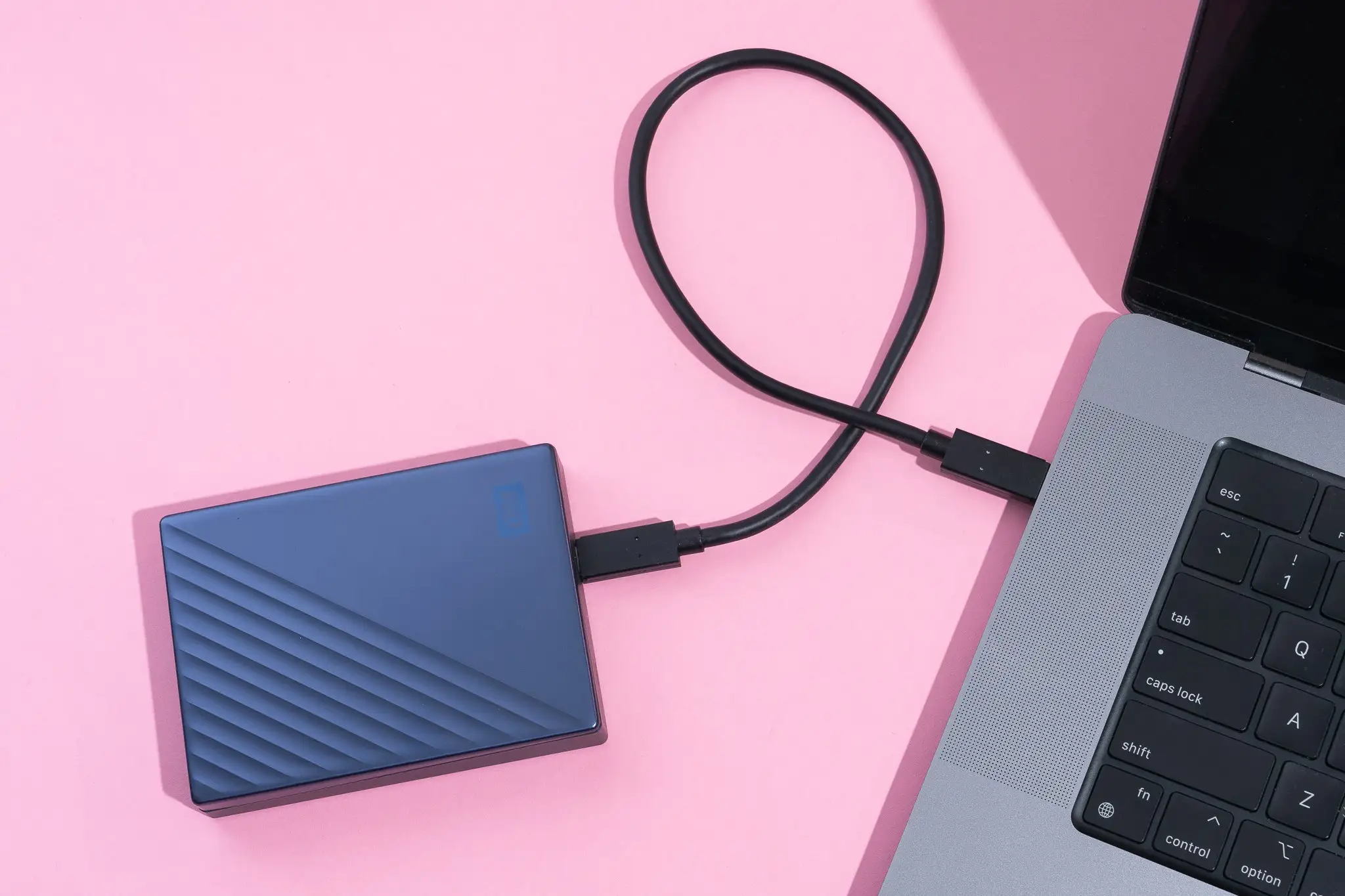
Local storage refers to storing files directly on a physical device that you own and control. For example, this includes your computer’s hard drive, external hard disks, USB drives, or memory cards. Because the data stays on your device, you can access it anytime without an internet connection. However, storage capacity is limited by the hardware itself.
local storage devices https://learn.microsoft.com/en-us/windows/win32/fileio/file-systems
What Is Cloud Storage?
Cloud storage allows you to save your data on remote servers through the internet. These servers are maintained by service providers like Google Drive, Dropbox, or OneDrive. As a result, your files can be accessed from anywhere, as long as you have an internet connection.
Accessibility and Convenience
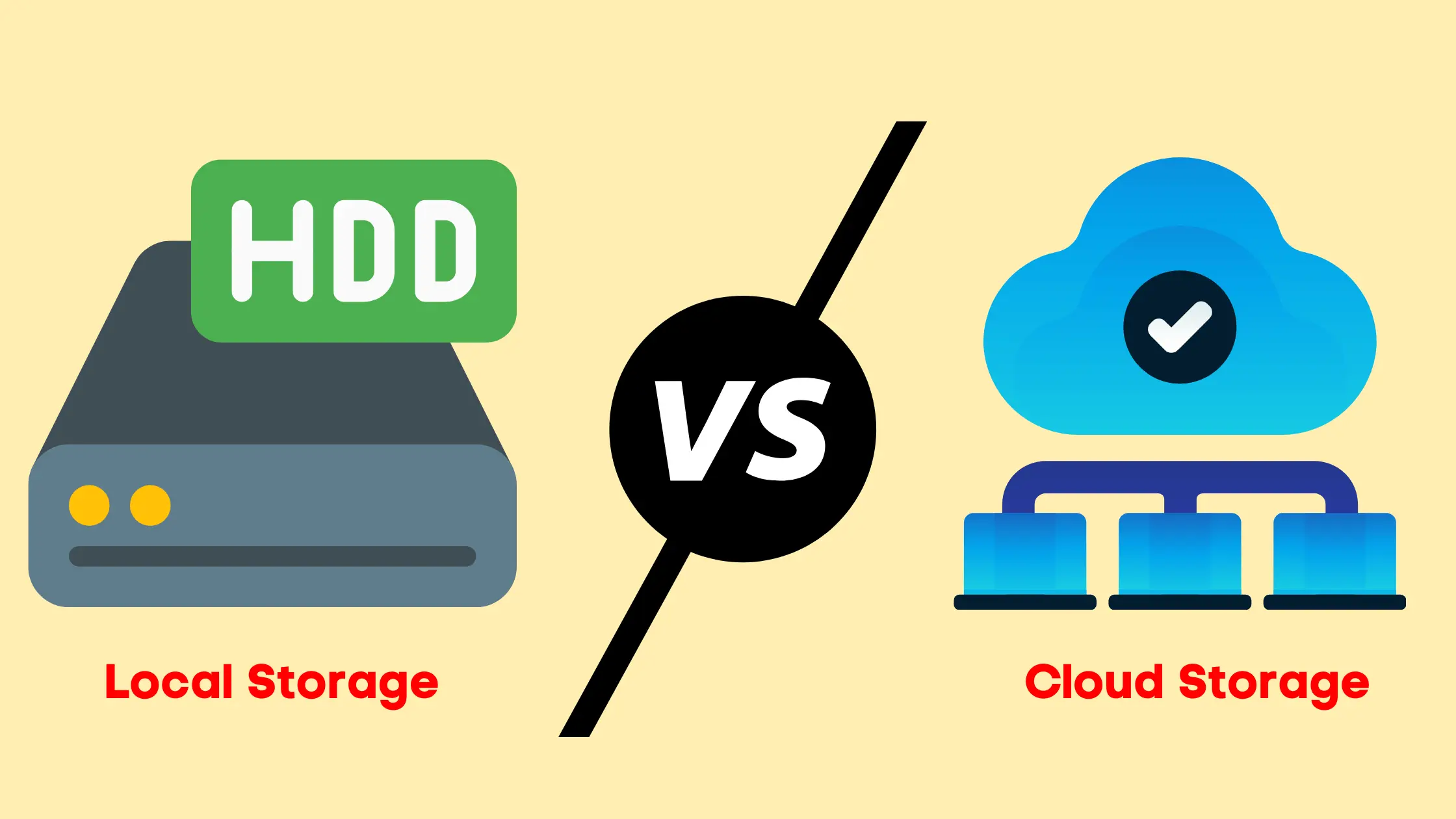
When comparing accessibility, cloud storage offers greater flexibility. For instance, you can open the same file on your phone, laptop, or tablet without transferring it manually. On the other hand, local storage is restricted to the device it is saved. Still, it works reliably when internet access is limited.
Security and Data Protection
Security plays an important role in choosing the right storage option. With local storage, you are fully responsible for protecting your data. If the device is lost or damaged, recovery can be difficult without backups. Meanwhile, cloud storage providers use encryption, regular backups, and recovery systems. That said, users should still follow best security practices like strong passwords.
If you are running a website, especially on WordPress, securing your data is just as important as choosing the right storage option. You can learn practical steps for website security and data protection by reading this detailed guide on how to secure a WordPress site from hackers.
👉 https://blogsppheree.in/secure-wordpress-site-from-hackers/

Cost and Storage Limits
Local storage usually requires a one-time investment. However, upgrading storage means purchasing new hardware. In contrast, cloud storage offers flexible subscription plans. Although free options exist, larger storage requires monthly or yearly payments.
cloud storage solutions https://cloud.google.com/learn/what-is-cloud-storage
Performance and Speed
Local storage generally provides faster performance because files are accessed directly. This makes it ideal for video editing, gaming, or large data files. Cloud storage speed depends on your internet connection. Therefore, slow connections may affect file access and uploads.
Backup and Reliability
Backing up data manually can be time-consuming with local storage. If backups are skipped, important files may be lost. Cloud storage solves this by automatically syncing and backing up data. As a result, files remain updated across all connected devices.
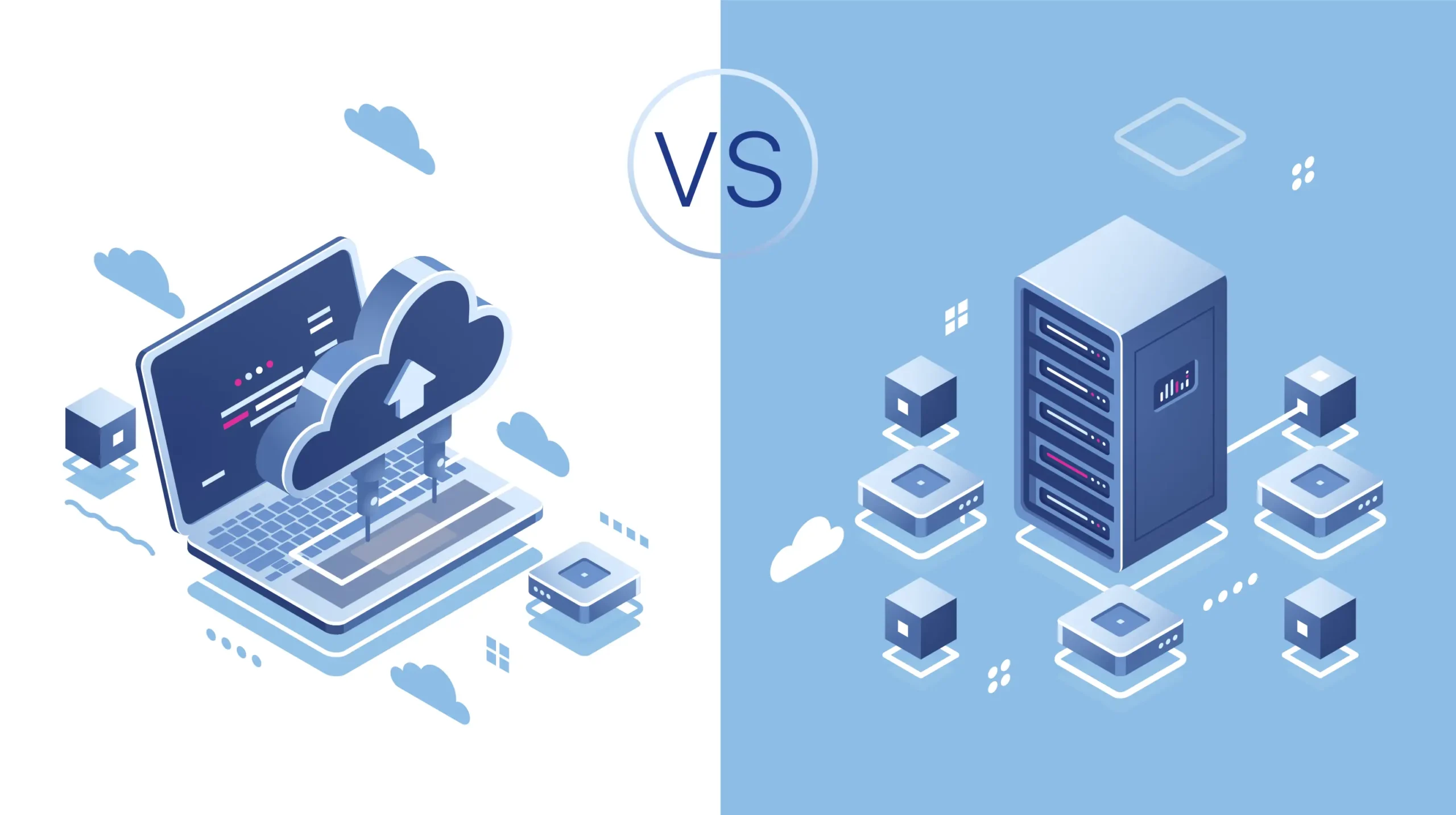
Which Storage Option Is Better for You?
Choosing between cloud storage and local storage depends on your needs.
Local storage is suitable if:
- You work offline frequently
- You handle large files
- You prefer complete control
Cloud storage is ideal if:
- You use multiple devices
- You want automatic backups
- You need easy file sharing
In many cases, combining both options offers the best balance.
data storage technologies https://www.ibm.com/topics/data-storage
Final Conclusion
Both cloud storage and local storage have their own advantages. Instead of following trends, it is better to choose based on your daily usage. If convenience and flexibility matter more, cloud storage is a smart option. However, if speed and control are priorities, local storage still remains reliable.