February 10, 2026
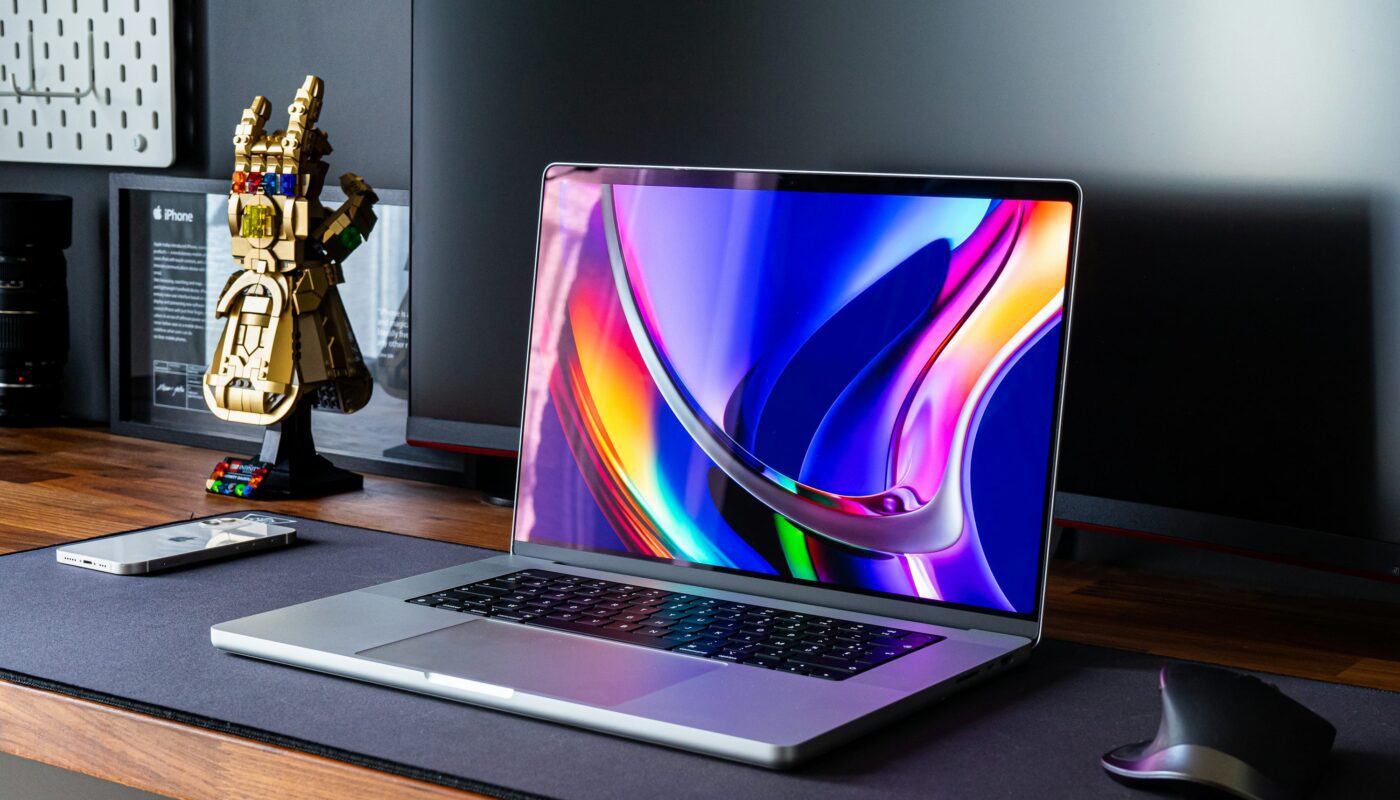
Modern desk setup with laptop, smartphone, mouse, and LEGO Infinity Gauntlet in tech-savvy workspace

How to Choose the Right Laptop in 2026 — Buyer’s Guide for Beginners

Choosing a laptop shouldn’t feel like decoding alien technology… but in 2026, it often does.

You walk into a store or browse Amazon, and suddenly you’re attacked with terms like Ryzen 7, RAM DDR5, refresh rate, NVMe SSD, TDP, AI accelerators, Thunderbolt, RTX cores — and everything sounds complicated.

When all you REALLY want is simple:

👉 A laptop that lasts long
👉 Runs smoothly
👉 Doesn’t lag after a year
👉 Fits your budget
👉 And matches your purpose (study, work, gaming, editing, etc.)

If you feel overwhelmed, you’re not alone. Over the past few years, technology has evolved faster than most people could keep up with — especially with the introduction of AI laptops, faster storage, hybrid processors, and new display standards.

So take a deep breath.
In this guide, I’ll make everything simple, beginner-friendly, and practical.
By the end, you’ll know exactly what specs matter, what to avoid, and which laptop category suits your lifestyle.
🧠 Why Hardware Matters in 2026

A laptop isn’t just a device — it’s a tool that shapes your productivity, creativity, and digital comfort.

A good laptop saves time, reduces frustration, and supports your growth for 4–7 years.
A bad one? It becomes laggy, noisy, slow, and outdated within months.

In 2026, software has become more demanding:

  • AI tools now run locally.

  • Operating systems are heavier.

  • Apps like Chrome, Figma, VS Code, and Adobe tools eat memory.

  • Games require more powerful GPUs.

So yes — hardware matters.
Not for flex… but for peace of mind.

🧩 Key Laptop Specifications Explained (Simple + Beginner Friendly)

Let’s break down the complicated terms into something human.

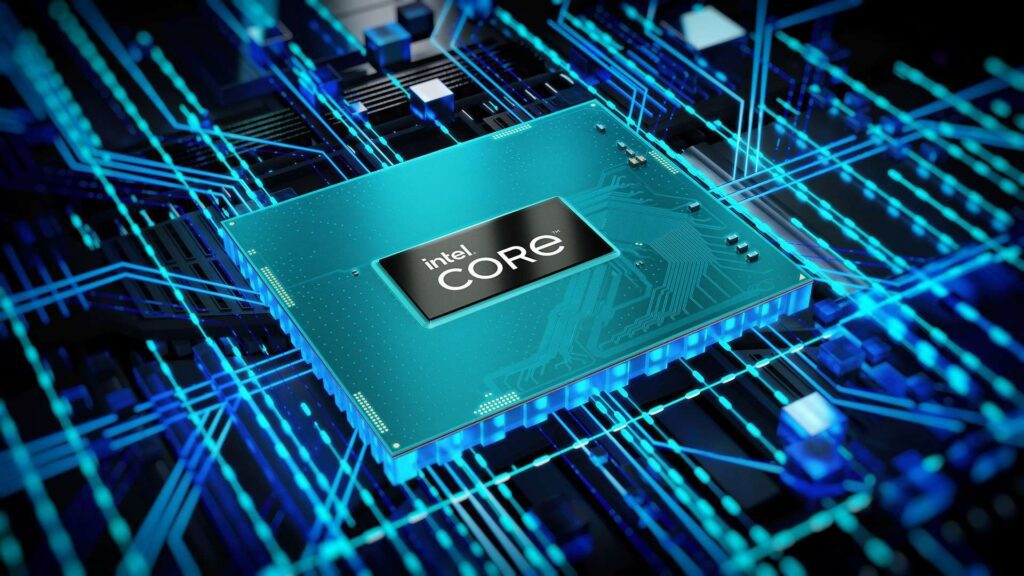
Close-up of Intel Core processor chip on motherboard with glowing blue circuitry lines of the laptop

🔥 Processor (CPU): The Brain of the Laptop

A strong processor keeps the laptop fast, responsive, and future-proof.

In 2026, the best CPU categories include:

User Type Recommended CPUs
Basic tasks Intel Core i3 14th/15th Gen, Ryzen 3 7000/8000
Students / Office Intel i5 13th–15th Gen, Ryzen 5 7000–9000
Creators / Multitasking i7 13th–15th Gen, Ryzen 7 7000–9000
Gaming / 3D Work i7/i9 14th–15th Gen, Ryzen 7/9 8000–9000

Tip: If you want the laptop to last 5+ years, avoid low-end (Celeron, Pentium, Athlon)

🧠 RAM: Multitasking Power

RAM keeps apps running smoothly.

  • 8GB: Minimum for light use

  • 16GB: Best for students/office/multitasking

  • 32GB+: Ideal for gaming, coding, and editing

In 2026:
Choose LPDDR5 or DDR5 RAM — faster and efficient.

⚡ Storage: Speed Matters More Than Size

There are three common storage types:

Type Speed Should You Buy?
HDD Slow ❌ No (outdated)
SATA SSD Good 👍 Entry-level
NVMe SSD Very fast ⭐ Best in 2026

Recommended sizes:

  • 256GB NVMe SSD: Minimum

  • 512GB NVMe SSD: Best balanced choice

  • 1TB NVMe SSD+: Gamers, creators, professionals

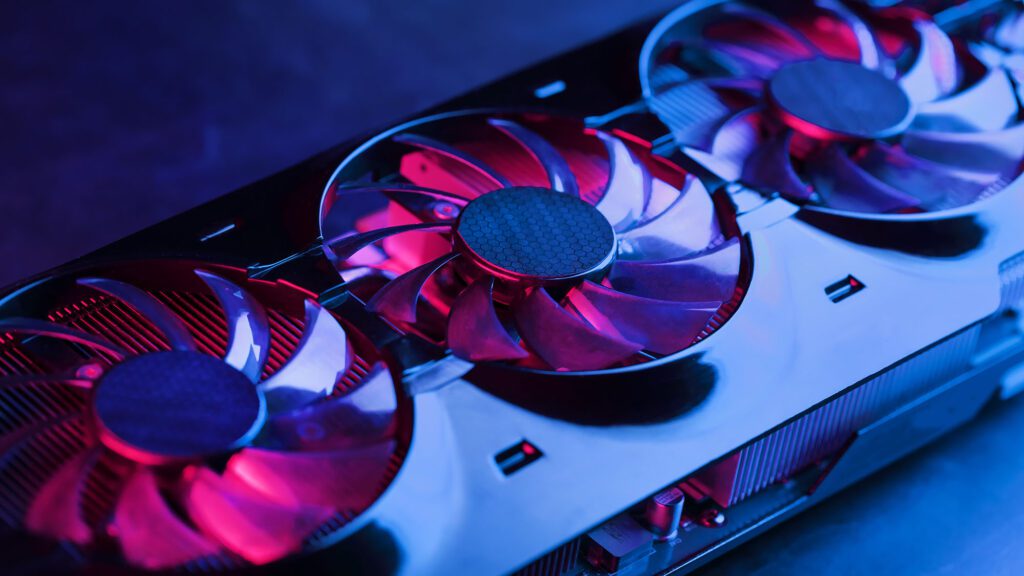
Close-up of high-performance graphics card with three illuminated cooling fans and visible heat sink

🎮 GPU: Graphics Power (Only If You Need It)

Not everyone needs a dedicated GPU.

Use this rule:

If you do… GPU Needed?
Browsing, MS Office, Netflix ❌ No
Coding, CAD, Video Editing ✔️ Yes
Gaming, 3D Modeling, AI Training ✔️ Absolutely

Best GPUs in 2026:

  • Entry level: RTX 3050, ARC A370

  • Mid-range: RTX 4060, ARC 6

  • High end: RTX 4080/4090, RTX AI-Ready GPUs

🔋 Battery Life: Don’t Ignore This

Nobody wants a laptop that dies every 2 hours.

Look for:

  • 50–60Wh: Basic laptops

  • 70–85Wh: Ideal balance

  • 90–99Wh: Long battery life category

Also check real-world battery reviews, not only box numbers.

Two laptops side by side on couch displaying same video scene for screen quality comparison

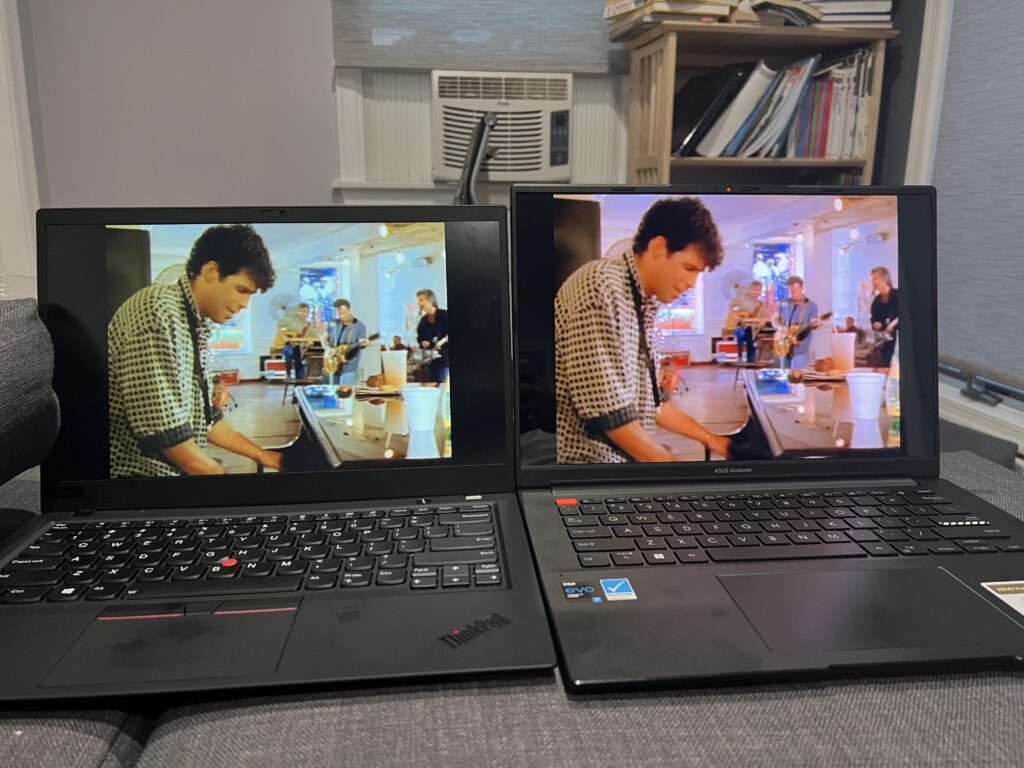
🖥️ Display: Comfort for Your Eyes

The display completely changes the experience.

Best standards in 2026:

  • Resolution: 1080p (min), 2K or 4K optional

  • Refresh rate: 60Hz for work, 120–165Hz for gaming

  • Brightness: 300 nits minimum

  • Panel: IPS or OLED preferred

  • Anti-glare coating: A must if you work outdoors

🧲 Build Quality & Keyboard

A laptop should feel solid, not fragile.

Look for:

  • Aluminum or magnesium build (optional)

  • Backlit keyboard

  • Spill resistance (bonus)

  • Good hinge flexibility

  • Large trackpad (precision touchpad certified)

🔌 Ports & Connectivity

Make sure your laptop has:

✔ USB-C
✔ At least two USB-A ports
✔ HDMI or Type-C display output
✔ Wi-Fi 6 or Wi-Fi 6E
✔ Bluetooth 5.2 or above

Thunderbolt or USB4 is a huge future-proof advantage.

🧭 Which Laptop Should YOU Buy? (Based on Use-Case)

Instead of buying randomly, match your purpose.

Three students in classroom using laptop, book, and writing tools for academic tasks

🎓 1. For Students

You need a lightweight, reliable laptop with good battery life.

Minimum:

  • i5 or Ryzen 5

  • 16GB RAM

  • 512GB SSD

  • IPS display

Ideal if you study:

Stream Requirements
Arts / Commerce Basic specs fine
Engineering Needs better CPU + storage
Design / Media Needs GPU + better display

🧑‍💻 2. For Office Work or Remote Work

Priorities: comfort, speed, and battery.

Minimum:

  • i5/Ryzen 5

  • 16GB RAM

  • NVMe SSD

  • Good keyboard

  • Webcam 1080p preferred

🎮 3. Gaming Laptops

You need GPU, cooling, and refresh rate.

  • i7/Ryzen 7

  • 16–32GB RAM

  • RTX 4060 or higher

  • 120–165Hz display

  • Dedicated cooling system

🎥 4. Content Creators (Video Editing, 3D, AI Work)

These tasks are heavy.
You need performance + color-accurate display.

  • i7 or Ryzen 7 and above

  • 32GB RAM

  • RTX GPU

  • IPS or OLED color-accurate screen

  • Thunderbolt/USB4 recommended

Three laptops on table displaying colorful lantern images with festive background lighting

⚖ Price vs Performance — What Should You Expect?

Budget What You Get
Under ₹35,000 / $400 Basic laptops (not recommended for long-term)
₹35,000–₹55,000 / $400–$650 Students, basic work
₹55,000–₹80,000 / $650–$1000 Best value, balanced specs
₹80,000–₹1,20,000 / $1000–$1500 Premium performance
₹1,20,000+ / $1500+ Gaming, AI, professional work

Always balance need vs future-proofing.

📌 Final Laptop Buying Checklist (Print or Save!)

Before buying, check:

✔ Processor: i5/Ryzen 5 or better
✔ RAM: 16GB minimum
✔ Storage: 512GB NVMe SSD
✔ Display: IPS/OLED, 1080p or higher
✔ Battery: At least 6–8 hours real use
✔ Warranty: Minimum 1 year
✔ After-sales support available

❓ Frequently Asked Questions

Q1: Should I buy a laptop with touchscreen?

Only if you need it. Otherwise, it adds cost without real benefit.

Q2: MacBook or Windows in 2026?

  • Mac: Best for creators, productivity, battery life.

  • Windows: Best for gaming, customization, coding.

Q3: How long should a laptop last?

A good laptop should last 4–7 years with proper specs.

Q4: Is 8GB RAM enough in 2026?

It works, but 16GB is the ideal minimum now.

Person sitting on floor with laptop, smartphone, and weekly planner in casual workspace setting

🎯 Conclusion — Your Laptop Is an Investment, Not a Purchase

Choosing the right laptop in 2026 isn’t just about specs — it’s about your lifestyle, goals, and how long you want the device to stay fast and relevant.

If you choose carefully today, your laptop will support your learning, creativity, work, and entertainment for years without stressing you with lag, heat, or slowdowns.

The best laptop is the one that fits your needs, your budget, and your future.

Take your time. Compare. And choose wisely.

Leave a Reply

Your email address will not be published. Required fields are marked *