
Blogging isn’t just about writing. In 2025, it’s about working smarter, not harder. As a tech blogger, your time is precious, and your content must shine amidst fierce competition. This is where the right tools make all the difference. The right mix of writing aids, SEO optimizers, image editors, analytics platforms, and security solutions can save hours, improve quality, and increase traffic — all without spending a dime.
In this guide, we’ll explore the top 10 free tools for tech bloggers in 2025, complete with descriptions, practical tips, pros and cons, and guidance on integrating them into your workflow. By the end, you’ll have a complete toolkit that makes blogging faster, easier, and more impactful.
Why Tools Matter for Tech Bloggers
Imagine spending hours crafting the perfect blog post, only to have it buried in search results or load slowly due to unoptimized images. That’s where free tools come in. They can:
Boost writing efficiency
Improve SEO and discoverability
Optimize images for speed
Track analytics and user behavior
Ensure website security and backups
The right tools not only save time but also enhance your credibility as a tech blogger. Let’s dive in.
1. Grammarly – Perfect Your Writing

Type: Writing Assistant
Description: Grammarly is a versatile writing assistant that helps correct grammar, spelling, and style errors. It also provides tone suggestions to make your content more engaging. For tech bloggers, clarity is key, and Grammarly ensures your articles are polished before publishing.
Pros:
Real-time grammar and spell checks
Tone and style suggestions
Browser extension available
Cons:
Free version has limited advanced features
Can occasionally suggest changes that alter your voice
Integration Tip: Install the browser extension for WordPress or Google Docs to ensure error-free drafts.
2. Yoast SEO – Optimize for Search Engines
Type: SEO Tool
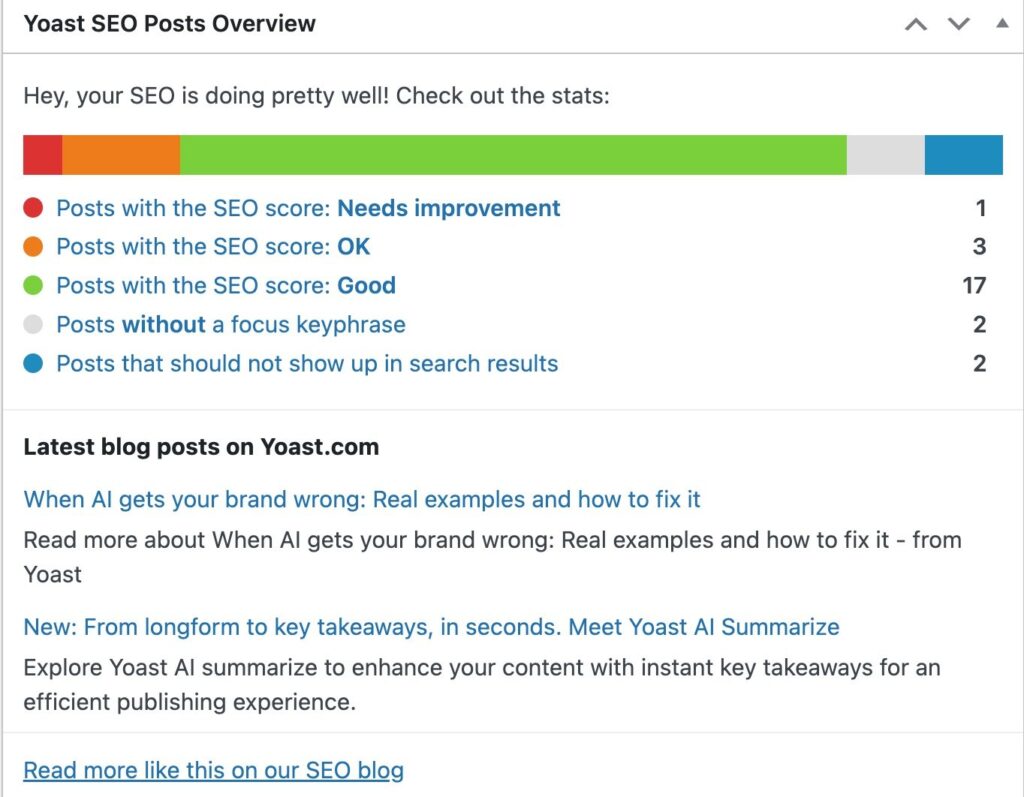
Description: Yoast SEO is a must-have plugin for WordPress bloggers. It helps optimize meta titles, descriptions, readability, and keyword usage. The free version is perfect for tech bloggers aiming to rank higher in Google searches.
Pros:
Easy-to-use interface
SEO and readability scoring
Integration with WordPress
Cons:
Limited features in free version
Focused mainly on WordPress
Integration Tip: Use it during the drafting stage to adjust keywords, headings, and meta descriptions before publishing.
3. Canva – Create Stunning Visuals
Type: Image Optimization & Design
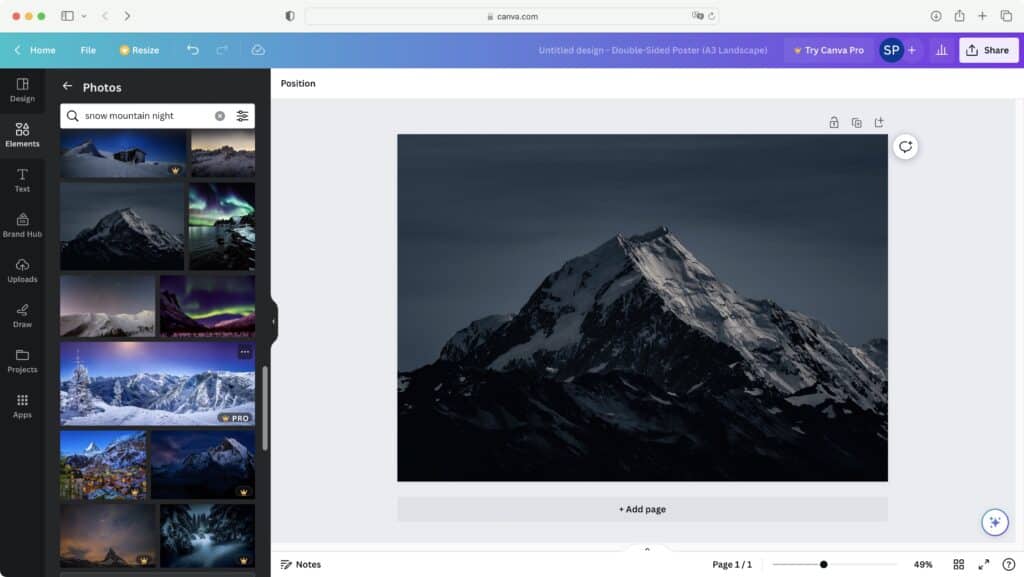
Description: Visuals attract readers and improve engagement. Canva lets you create high-quality graphics, infographics, and featured images for your blog. Its drag-and-drop interface is beginner-friendly.
Pros:
Free templates and elements
Simple drag-and-drop design
Social media and blog-ready sizes
Cons:
Some elements require a paid plan
Export options limited for free users
Integration Tip: Design all blog images in Canva, compress them, and then upload to WordPress to reduce loading time.
4. Google Analytics – Track Your Audience

Type: Analytics
Description: Knowing how visitors interact with your blog is crucial. Google Analytics provides in-depth insights about traffic sources, user behavior, and engagement metrics.
Pros:
Comprehensive data analysis
Free to use
Integration with Google Search Console
Cons:
Steep learning curve for beginners
Data privacy concerns if not configured properly
Integration Tip: Set up GA4 for real-time tracking and create custom dashboards for important metrics like bounce rate and session duration.
5. Ubersuggest – Keyword Research Made Simple
Type: SEO & Keyword Tool
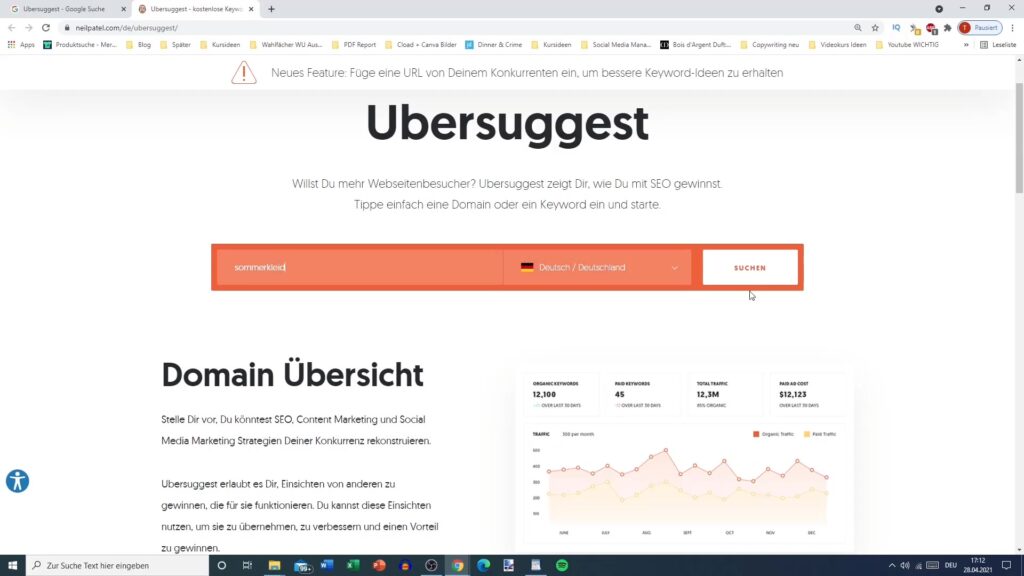
Description: Ubersuggest helps you discover trending keywords, search volume, and competition. For tech bloggers, keyword insights are gold for planning content that ranks.
Pros:
Free daily search queries
Provides content ideas
Competitor analysis feature
Cons:
Limited queries in the free plan
Some advanced metrics require paid subscription
Integration Tip: Use Ubersuggest before writing to choose topics with high search potential and low competition.
6. TinyPNG – Compress Images Without Quality Loss
Type: Image Optimization
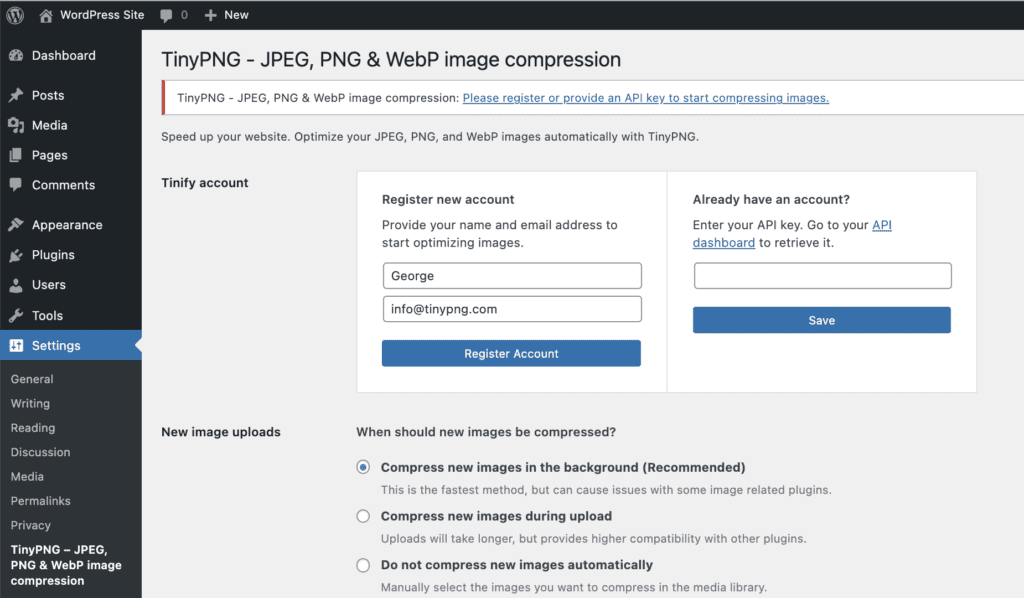
Description: Site speed is vital for SEO. TinyPNG compresses PNG and JPEG files without losing quality, improving your blog’s load time and user experience.
Pros:
High compression rates
Free and easy to use
Supports bulk uploads
Cons:
Free version limits the number of files per upload
Only PNG and JPEG supported
Integration Tip: Compress all blog images before uploading to WordPress. Combine with lazy loading for optimal speed.
7. Cloudflare – Free Security & CDN
Type: Security & Performance
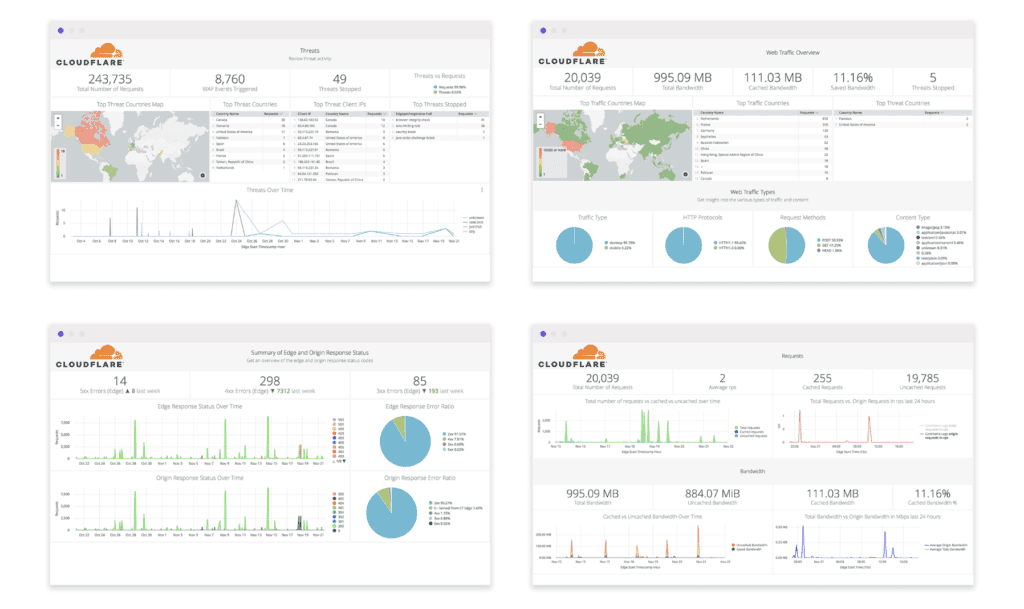
Description: Cloudflare protects your blog from attacks, speeds up page loading, and provides a free SSL certificate. Security is often overlooked but crucial for tech blogs.
Pros:
Free plan available
Protects from DDoS attacks
Improves website speed
Cons:
Advanced features require paid plans
Setup may confuse beginners
Integration Tip: Activate Cloudflare DNS and SSL for free security and CDN support. Monitor performance in the dashboard.
8. UpdraftPlus – Backup Your Blog
Type: Backup & Restore
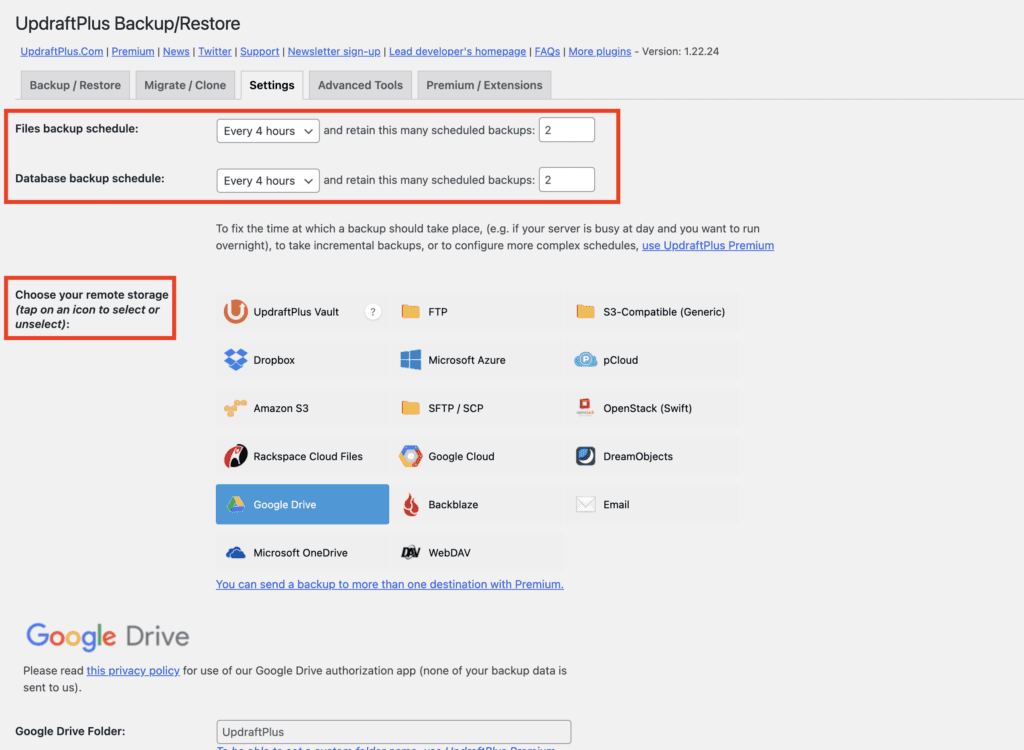
Description: UpdraftPlus is a WordPress plugin that automates backups. Losing your content can be devastating, and a simple plugin ensures your data is safe.
Pros:
Free backup solution
Cloud storage options like Google Drive and Dropbox
Easy restore process
Cons:
Advanced scheduling and migration require premium version
Limited storage on free cloud services
Integration Tip: Schedule weekly automated backups and store offsite in Google Drive.
9. Hemingway Editor – Improve Readability
Type: Writing & Readability
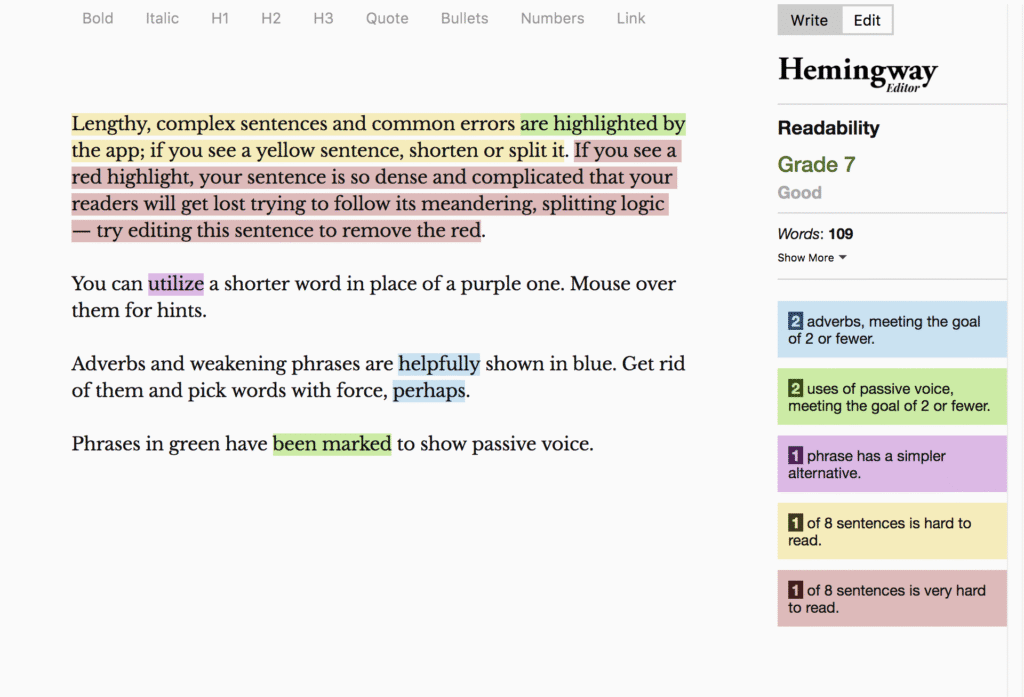
Description: Tech content can be complex. Hemingway Editor highlights long sentences, passive voice, and readability issues, ensuring your blog is easy to read.
Pros:
Free web version
Highlights readability issues
Improves engagement
Cons:
No grammar checker
Desktop app is paid
Integration Tip: Paste your draft into Hemingway to simplify sentences and improve flow.
10. AnswerThePublic – Discover Trending Questions
Type: SEO & Content Research
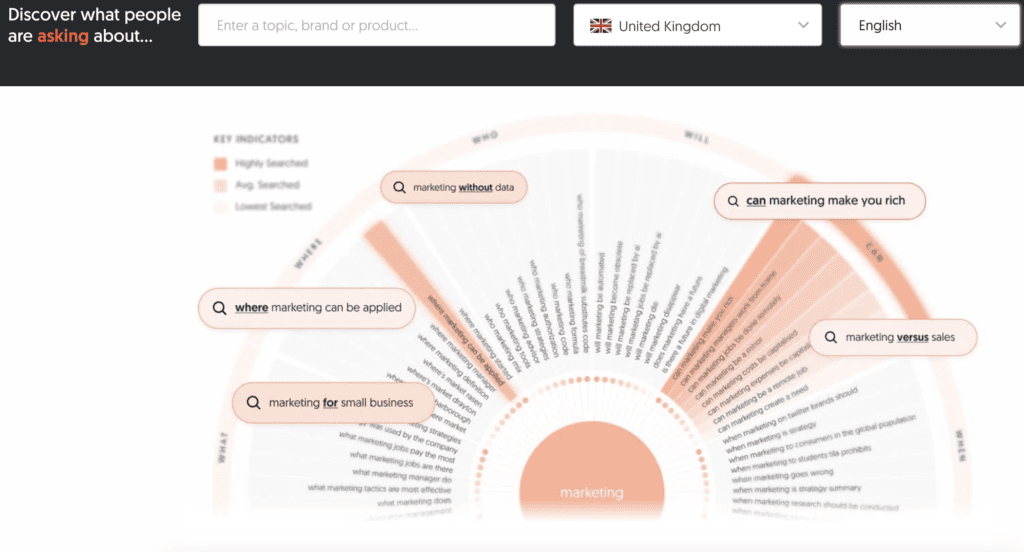
Description: AnswerThePublic shows what people are searching for around a topic. Perfect for tech bloggers looking for new ideas and FAQ sections.
Pros:
Free daily search queries
Generates long-tail keyword ideas
Visual search question maps
Cons:
Limited queries per day in free plan
Requires creativity to convert into articles
Integration Tip: Use it to generate FAQ sections in blog posts for better SEO.
Pros & Cons of Using Free Tools
Pros:
Cost-effective, perfect for beginners
Access to essential blogging functionalities
Boost productivity and content quality
Cons:
Limited features compared to paid versions
Some tools may have daily restrictions
Can require multiple tools to cover all aspects
How to Integrate These Tools into Your Workflow
Content Planning: Use Ubersuggest + AnswerThePublic to select topics and keywords.
Writing Drafts: Grammarly + Hemingway Editor to ensure polished and readable content.
SEO Optimization: Yoast SEO to optimize meta, headings, and readability.
Visuals: Canva + TinyPNG for engaging and fast-loading images.
Analytics & Security: Google Analytics + Cloudflare to track and protect your blog.
Backup: UpdraftPlus to prevent data loss.
FAQs
Q1: Can these tools be used together?
Yes! They complement each other. For example, write with Grammarly, optimize with Yoast, design images with Canva, and track traffic with Google Analytics.
Q2: Are these free tools really effective?
Absolutely. While premium versions exist, free versions cover most essential blogging needs, especially for beginners and mid-level bloggers.
Q3: Do these tools slow down my blog?
Most tools are external or cloud-based. Only plugins like Yoast, UpdraftPlus, and Cloudflare may affect speed slightly, but proper setup minimizes impact.
Q4: Can I monetize using AdSense with these tools?
Yes. Following SEO and content best practices improves traffic and AdSense earnings without violating guidelines.
Final Recommendation & Tips
For tech bloggers in 2025, free tools are not just nice-to-have — they are essential. Combining these 10 tools will save time, boost traffic, and improve your blog’s credibility.
Pro Tips:
Focus on workflow, not just tools. Automation and smart integration are key.
Keep images optimized and blog posts readable for better AdSense performance.
Regularly track metrics to understand audience behavior.
With the right mix, you’ll not only write better but also grow your blog faster — all while staying fully within AdSense guidelines.