Introduction
Buying a new desktop PC in 2026 can be confusing—especially with constant hardware updates and dozens of CPU–GPU combinations. Consequently, whether you’re building a PC from scratch or buying a pre-built system, one wrong choice can affect performance, upgrade options, and long-term value.
Build your custom PC with expert guidance and genuine components at Global Net Computers.
👉 https://globalnetcomputers.in/
Therefore, this guide breaks down buyer categories, explains each PC component, compares budget vs performance tiers, highlights mistakes to avoid, and provides a pre-purchase checklist to help you make the perfect decision.
Who Should Use This Checklist? (Identify Your Buyer Category)
Before choosing hardware, it’s important to understand what you actually need. In other words, clarity prevents overspending on unnecessary features.
1. Casual Users / Students
Ideal for:
- Browsing and OTT streaming
- Online exams and productivity tools
- Light photo editing
Best Budget: ₹25,000 – ₹40,000
Focus On: CPU + SSD + 8–16GB RAM
Overall, reliability and speed matter more than graphics power. Additionally, battery efficiency and portability might also be relevant for students.
2. Gamers
Ideal for:
- 1080p / 1440p gaming
- Competitive esports (Valorant, Fortnite, BGMI)
Best Budget: ₹55,000 – ₹1,20,000+
Focus On: GPU > CPU
Most importantly, a balanced CPU–GPU combo ensures stable FPS. Moreover, monitor refresh rate and latency are crucial for esports enthusiasts.
3. Content Creators
Ideal for:
- Video editing
- 3D rendering
- Animation
Best Budget: ₹70,000 – ₹1,50,000+
Focus On: CPU + RAM + Storage speed
Consequently, faster rendering and smoother timelines become possible. Furthermore, multiple storage drives can improve workflow efficiency.
4. Professionals & Developers
Ideal for:
- Heavy multitasking
- Large datasets
- Running virtual machines
Best Budget: ₹60,000 – ₹1,10,000
Focus On: CPU + RAM + NVMe SSD
Thus, system stability and memory capacity are critical. In addition, reliable cooling ensures prolonged component life.
Key PC Components & Why Each One Matters
1. CPU (Processor) — The Brain of Your Desktop
Your CPU directly affects:
- Multitasking performance
- Rendering speeds
- Game physics
- Overall system responsiveness
Best CPUs in 2026:
- Intel Core i5 14600 / i7 14700 / i5 13500F
- AMD Ryzen 5 7600 / 7700 / 7800 series
Tip:
Gamers → prioritize GPU.
Creators → prioritize CPU.
In short, choose based on workload, not hype. Similarly, consider future-proofing for upcoming software.
2. GPU (Graphics Card) — Essential for Gaming & Editing
Your GPU determines:
- Gaming FPS
- 3D performance
- Video editing export times
Recommended GPUs in 2026:
- NVIDIA RTX 4060 / 4060 Ti / 4070
- AMD RX 7600 / RX 7700 XT
However, avoid pairing a strong GPU with a weak CPU, as this causes bottlenecks. Additionally, VRAM capacity should match your typical workloads.
3. RAM — Smooth Multitasking
- 16GB (minimum) for users and gamers
- 32GB (ideal) for creators and editors
- Higher speeds recommended (DDR5 5600MHz+)
Additionally, faster RAM improves responsiveness in modern apps. Moreover, dual-channel configurations provide a noticeable speed boost.
4. Storage — SSD Is Non-Negotiable
Types:
- NVMe SSD → fastest and recommended
- SATA SSD → slower but budget-friendly
- HDD → only for backup storage
Ideal Setup:
- 500GB or 1TB NVMe SSD
- Optional HDD for extra storage
Without a doubt, SSDs dramatically reduce load times. Furthermore, consider RAID setups for redundancy.
5. Motherboard — The Backbone of Your PC
Choose according to CPU:
- Intel: B760, Z790
- AMD: B650, X670
Check for:
- PCIe 4.0 / 5.0 support
- At least 2 NVMe slots
- Good VRM cooling
- Strong build quality
As a result, future upgrades become easier. In addition, motherboard features like Wi-Fi and USB-C can enhance convenience.
6. PSU (Power Supply) — Never Cheap Out
A poor PSU can damage your entire system.
- Minimum: 550W–650W
- High-end builds: 750W+
- Certification: 80+ Bronze or Gold
Trusted Brands:
Corsair, Cooler Master, Antec, MSI, Seasonic
Therefore, quality power delivery is essential. Likewise, modular PSUs reduce cable clutter and improve airflow.
7. Cooling System — Keeps Everything Stable
Options:
- Air coolers (budget-friendly)
- AIO liquid coolers (better for high-end CPUs)
Ensure:
- 1–2 intake fans
- 1–2 exhaust fans
- Proper GPU airflow
Otherwise, thermal throttling can reduce performance. Moreover, dust filters help maintain efficiency over time.
Budget vs Performance Tiers (2026)
| Budget | Best Use Case | Typical Build |
|---|---|---|
| ₹30k–₹40k | Students | Ryzen 3 / i3, 8–16GB RAM, NVMe SSD |
| ₹50k–₹70k | Gamers | Ryzen 5 / i5 + RTX 3050 / RX 6600 |
| ₹80k–₹1L | Serious Gamers | i5/i7 + RTX 4060 / 4070 |
| ₹1.2L+ | Creators | Ryzen 7 / i7 + RTX 4070 Ti |
Clearly, higher budgets unlock better longevity. Consequently, plan according to your anticipated use.
Major Mistakes to Avoid When Buying a PC
❌ Buying HDD instead of SSD
❌ Prioritizing RGB over performance
❌ Pairing RTX 4070 with i3 or Ryzen 3
❌ Choosing non-branded PSUs
❌ Ignoring airflow and cooling
❌ Skipping future upgrade checks
❌ Overlooking warranty details
In reality, these mistakes cost more in the long run. Similarly, neglecting component compatibility can lead to major headaches.
Final Pre-Purchase Checklist (Don’t Buy Without This)
✔ CPU and GPU match your use case
✔ Minimum 16GB RAM (DDR4/DDR5)
✔ NVMe SSD included
✔ 80+ certified PSU
✔ At least 3 cabinet fans
✔ Motherboard supports future CPUs
✔ Monitor resolution compatibility checked
✔ Prices compared online and locally
✔ 1–3 year warranty on components
Finally, reviewing this checklist prevents regret. Additionally, consider local service options for faster support.
Conclusion
A desktop PC is a long-term investment. Therefore, choosing the right CPU, GPU, RAM, PSU, and cooling system directly impacts performance for the next 5–7 years. By focusing on your real use case, avoiding common mistakes, and planning for upgrades, you ensure your PC remains fast, efficient, and future-ready. In conclusion, smart choices today lead to smoother performance tomorrow.
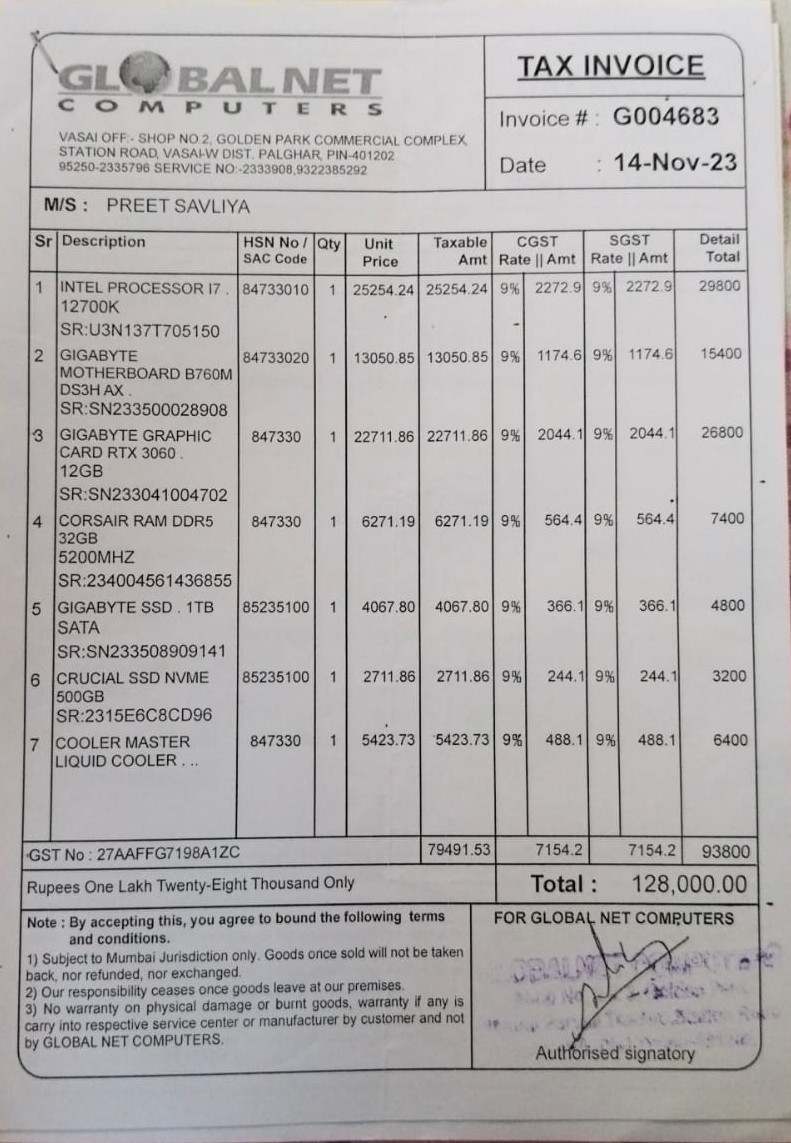
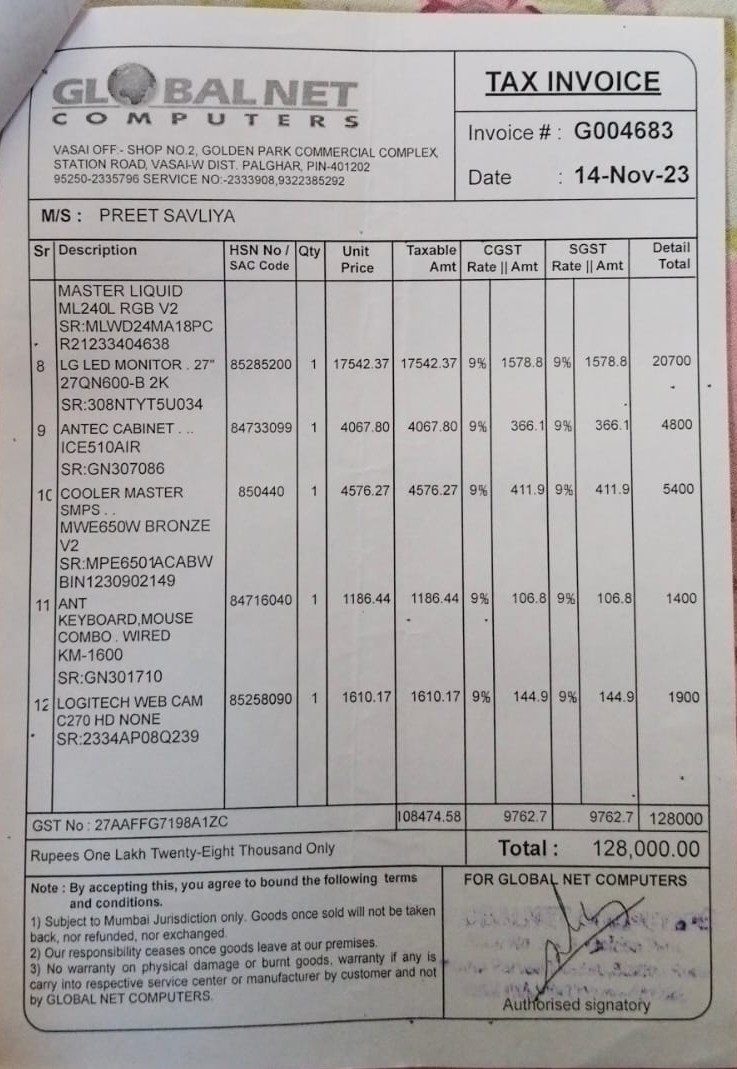
Looking to build a custom PC? Get reliable components and expert assembly at Global Net Computers.
👉 https://globalnetcomputers.in/